Publishing

It’s an exciting milestone that turns you from a writer into a published author.
The Publishing Process
This is the moment your book goes from a private project to something real available for readers around the world.
Publishing is where everything comes together: your manuscript, your cover, and your strategy.
-
Publishing is more than just uploading a file. It involves setting up your book so it can be discovered, purchased, and delivered properly.
-
Select where you want your book to be available.
Popular options include:
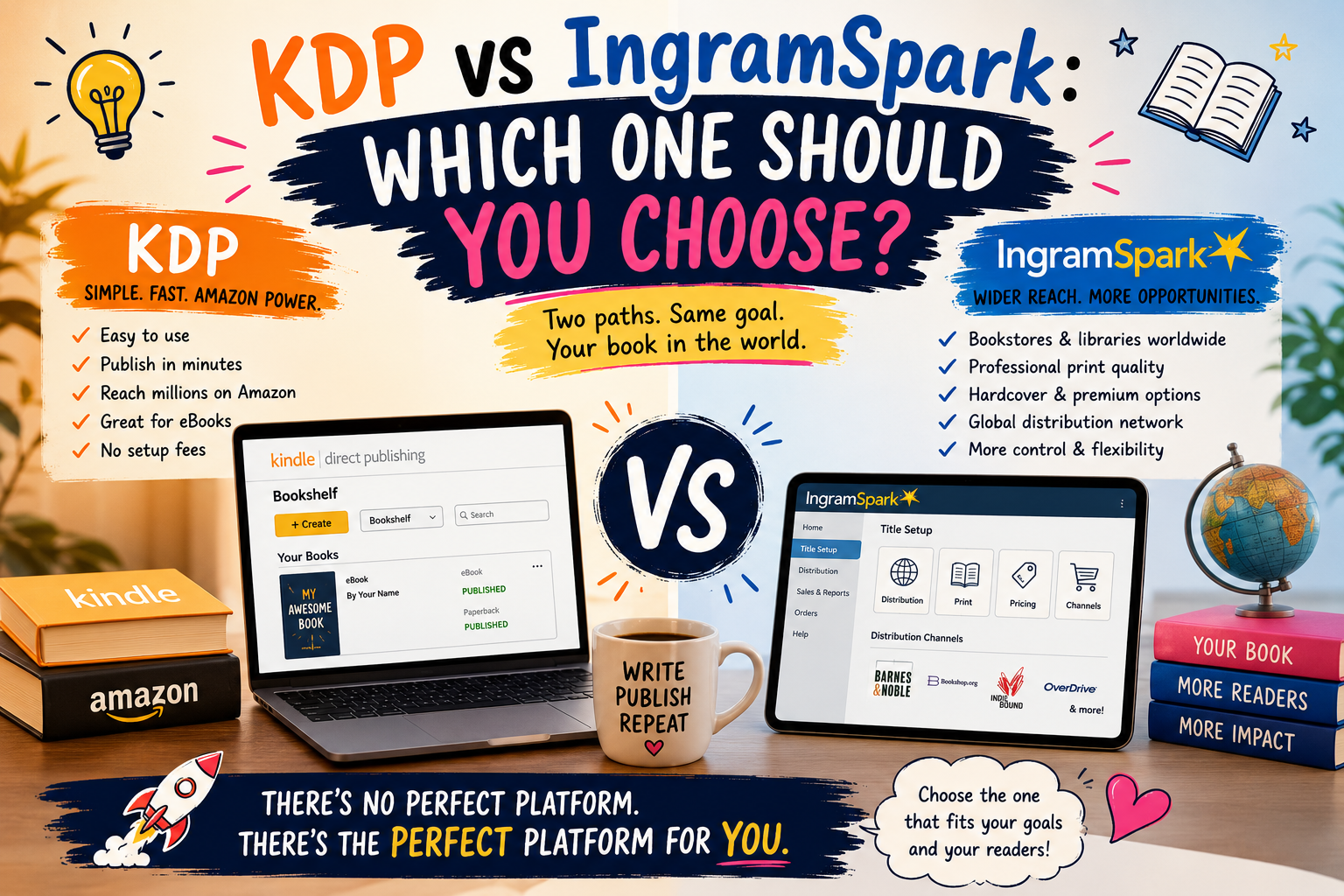
Amazon Kindle Direct Publishing for maximum reach on Amazon
IngramSpark for bookstores and global distribution
Your choice depends on your goals—visibility, control, or wide distribution.
-
You’ll upload:
Your final manuscript (eBook or print format)
Your book cover
Make sure everything is polished, some platforms (like IngramSpark) charge for changes after publishing.
-
This is how readers find your book.
You’ll enter:
Title and subtitle
Author name
Book description
Keywords and categories
Strong metadata improves your visibility in search results.
-
Decide how much your book will cost and how much you’ll earn per sale.
Each platform offers different royalty structures, so it’s important to choose a pricing strategy that balances profit and discoverability.
-
Before going live, you’ll review your book:
Check formatting
Review cover alignment (for print)
Test how it looks on devices
This is your final chance to fix mistakes.
-
Once approved, your book is published and available for purchase.
Depending on the platform, it may take:
A few hours (eBooks)
A few days (print books)
After that, your book is officially live.
Comparison Table
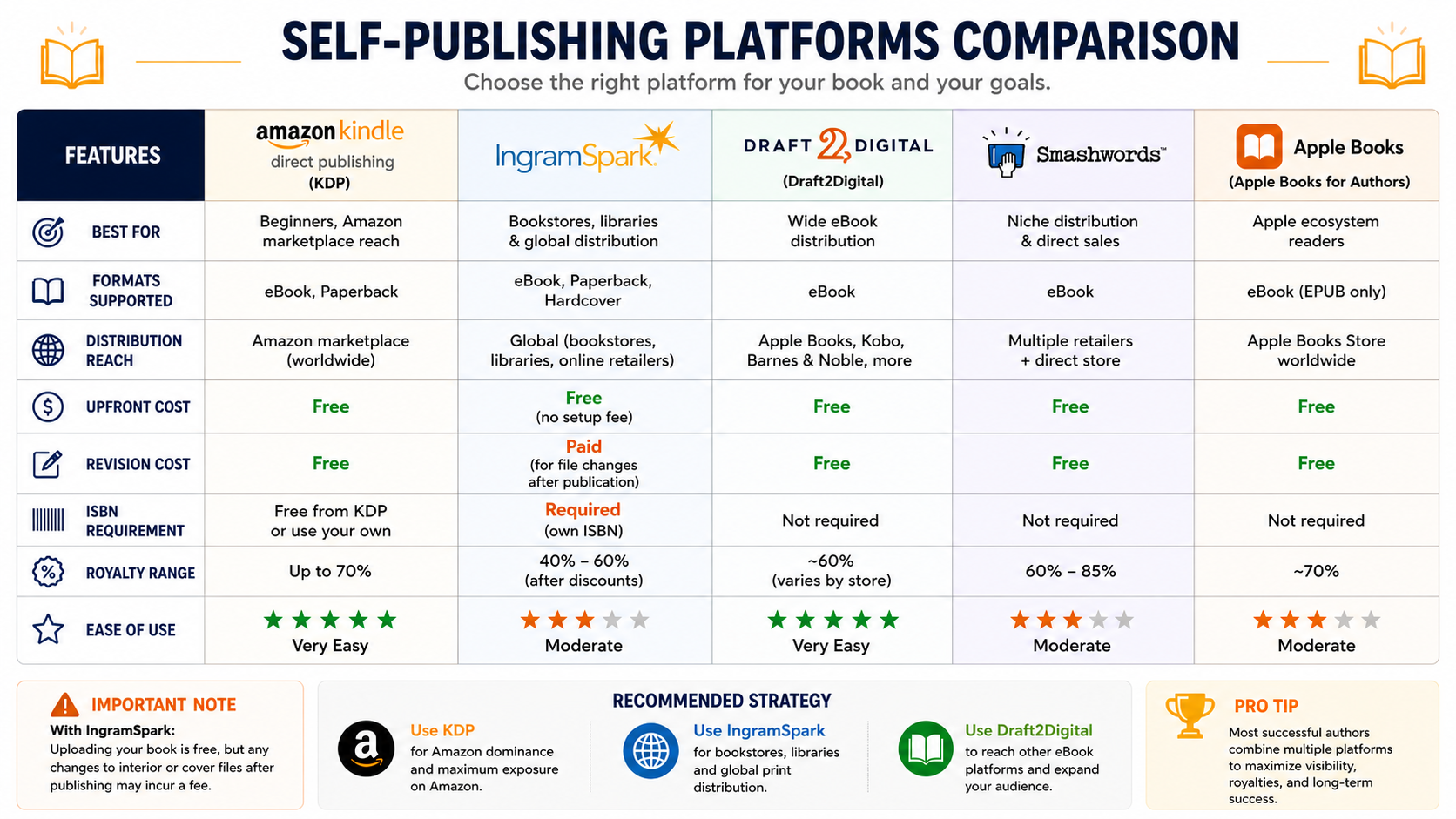
Self-publishing platforms vary in scope and features to match different authors’ needs: Amazon’s Kindle Direct Publishing dominates with massive reach and easy Kindle/eBook-to-print options; IngramSpark focuses on wide bookstore and library distribution with professional print quality; Draft2Digital and Smashwords simplify eBook formatting and distribute to multiple retailers with friendly author dashboards; Apple Books and Barnes & Noble Press offer direct storefront access for iOS and Nook readers respectively; Kobo Writing Life is strong internationally and pairs well with regional promotions; BookBaby and Blurb provide full-service options including design, editing, and print-on-demand for photographers and designers; and subscription or niche platforms like Substack, Patreon, and Gumroad let creators build direct-reader revenue streams for serialized work or exclusive content—each platform balances control, royalties, distribution, and ease-of-use differently, so authors should weigh audience, print needs, pricing flexibility, and marketing tools when choosing.
Cover Calculators
-
Amazon KDP
The KDP Cover Calculator by Amazon Kindle Direct Publishing helps authors generate exact cover dimensions based on trim size, page count, and paper type. It provides a ready-to-use template, ensuring your book cover meets Amazon’s print requirements and avoids formatting errors.
-

IngramSpark
The IngramSpark calculator is a practical tool designed to help self-publishing authors estimate the printing costs and potential earnings of their books before publishing. It allows you to input key details such as trim size, page count, binding type, paper color, and retail price to calculate how much it will cost to produce each copy and what your profit margin could be.
Resources

Self-Publishing 360 Author OS
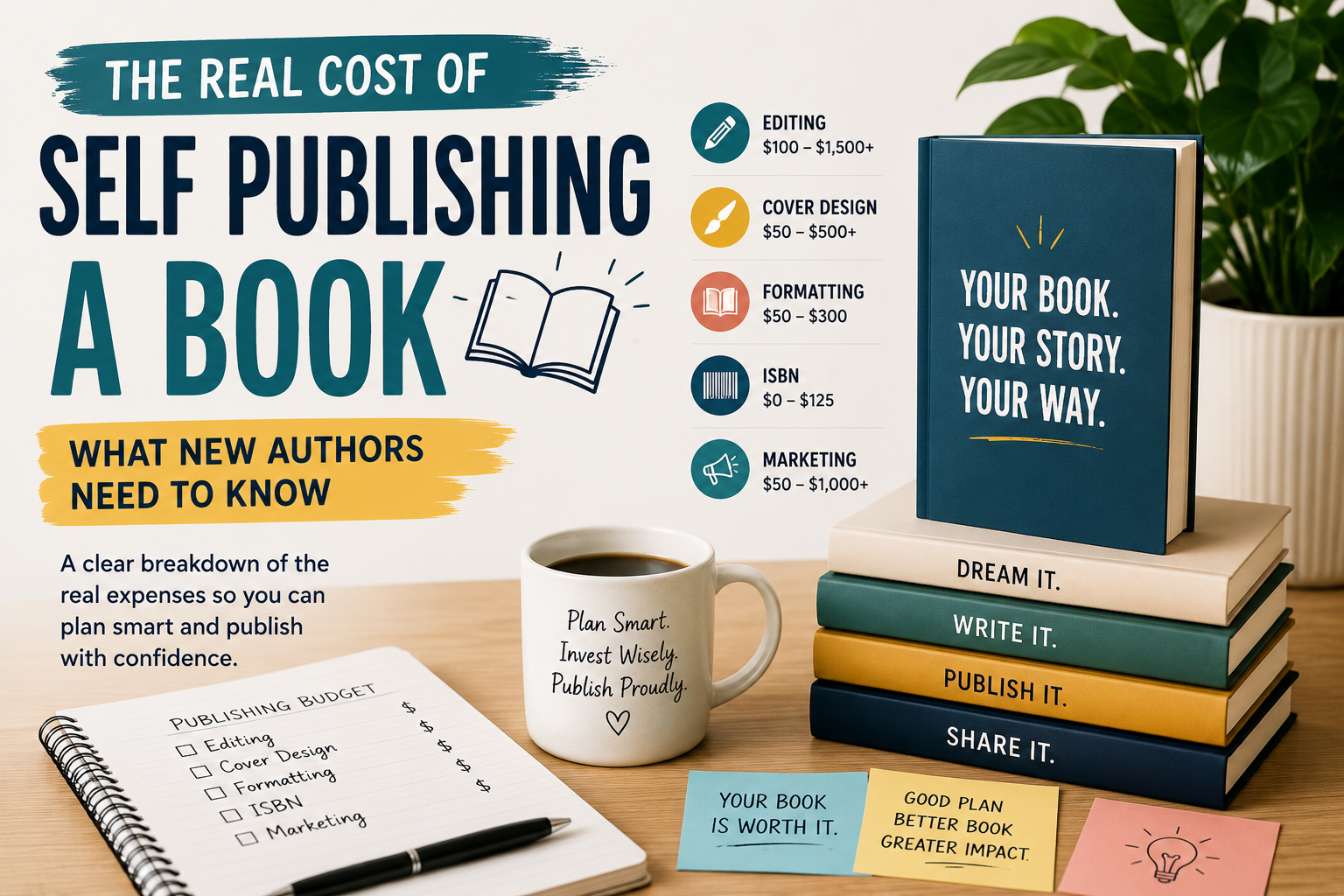
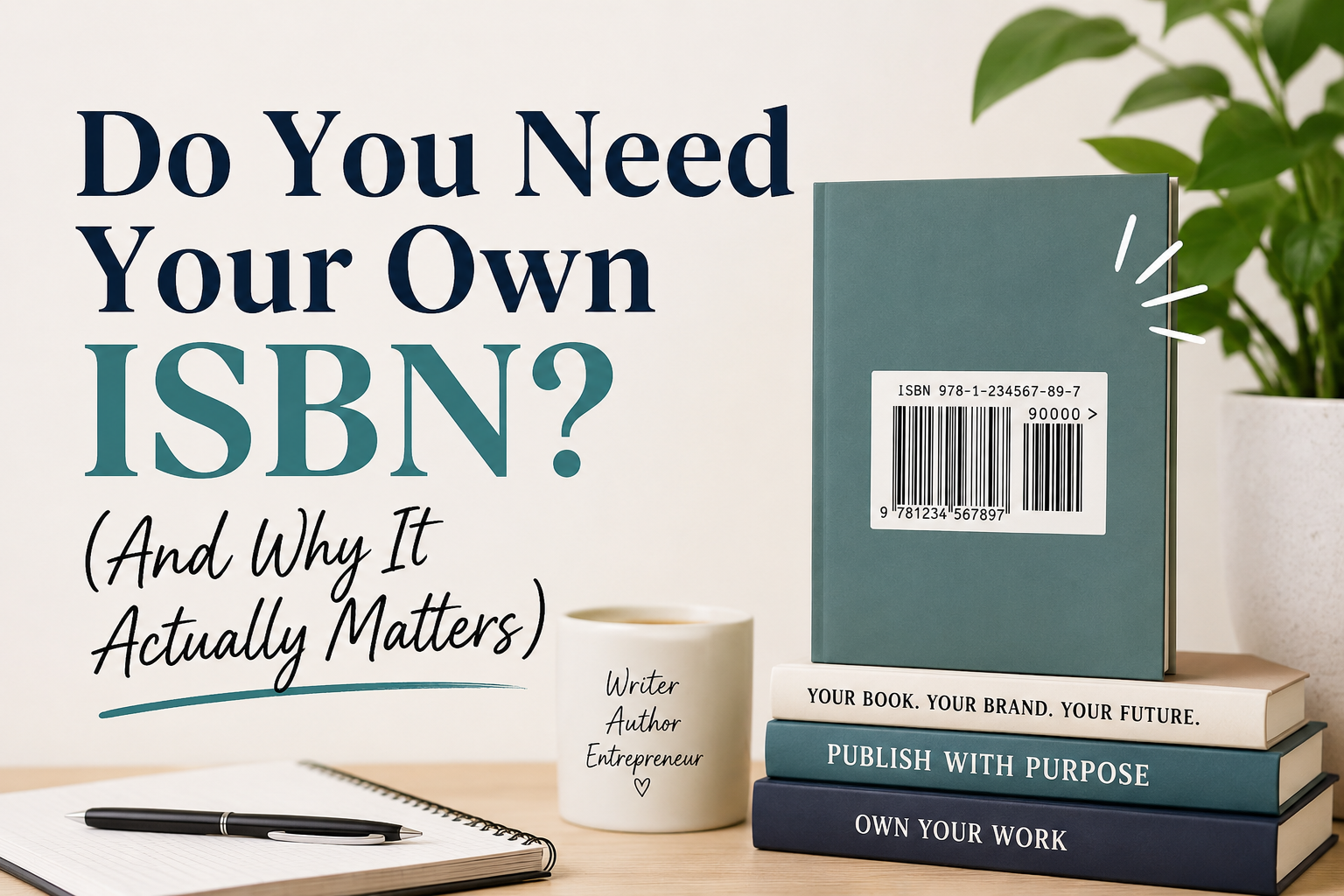
The Self-Publishing 360 Notion Author OS Template is your all-in-one writing, publishing, and marketing workspace designed specifically for self-published authors. From outlining your book and tracking word counts to planning launches, managing marketing campaigns, organizing content, and monitoring your publishing budget, this template helps simplify the entire author journey in one clean and beginner-friendly system. Perfect for writers who want to stay organized, consistent, creative, and focused without feeling overwhelmed.